

How Android 14 Will Change the Way You Develop Android Apps.
In the fast-paced world of mobile app development, staying ahead of the curve is crucial. With each new Android version release, developers eagerly anticipate the enhancements and innovations that promise to simplify their workflow and empower them to create even better apps.
Android 14, the latest installment in the Android operating system lineage, is no exception. With its highly anticipated release, we not only find an array of thrilling new features but also a transformation in how we tackle app development, with a blend of fresh innovations and some elements picked up from its predecessor, Android 13.
So, whether you’re a seasoned developer or just stepping into the world of app creation, buckle up for an exciting journey through the transformative landscape of Android 14. It’s not just about making things easier; it’s about granting you the creative power to build Android apps like never before.
While the Android ecosystem has always been known for its adaptability and openness, Android 14 takes it a step further, offering developers a range of tools and capabilities that are poised to reshape the development landscape. In this blog post, we will delve into how Android 14 is set to revolutionize the way you craft Android apps by introducing fresh features and, perhaps more importantly, by reimagining the traditional approaches we’ve grown accustomed to.
In the upcoming section, we will take a closer look at the key changes that Android 14 brings to the table. From revamped user interfaces to enhanced security measures, these updates are poised to have a profound impact on how you develop Android apps. So, let’s roll up our sleeves and delve into the exciting world of Android 14’s feature enhancements and shifts in development paradigms
Captivating Camera and Media Features:
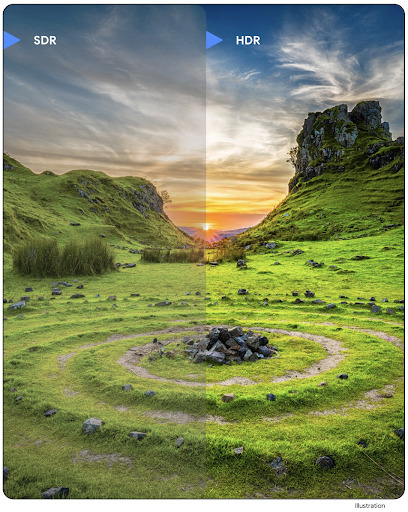
Android 14 doesn’t just capture moments; it elevates them. With the introduction of Ultra HDR, a wealth of camera extensions, and lossless USB audio support, app developers gain newfound artistic freedom.
Ultra HDR captures more detail and color in both the highlights and shadows of a photo or video. This can help to create more realistic and immersive images and videos. The new camera extensions allow app developers to access and control additional camera features, such as manual focus and exposure control. [hdr-camera-capture]
Lossless USB audio allows app developers to deliver high-quality audio without any compression. This is ideal for apps that need to play audio at its highest possible quality, such as music streaming apps and audio editing apps. [lossless-usb-audio]
These enhancements offer you more control and flexibility when harnessing Android’s camera and media capabilities, ensuring your apps can capture the world with stunning precision.
Simplified Sign-In with Credential Manager:
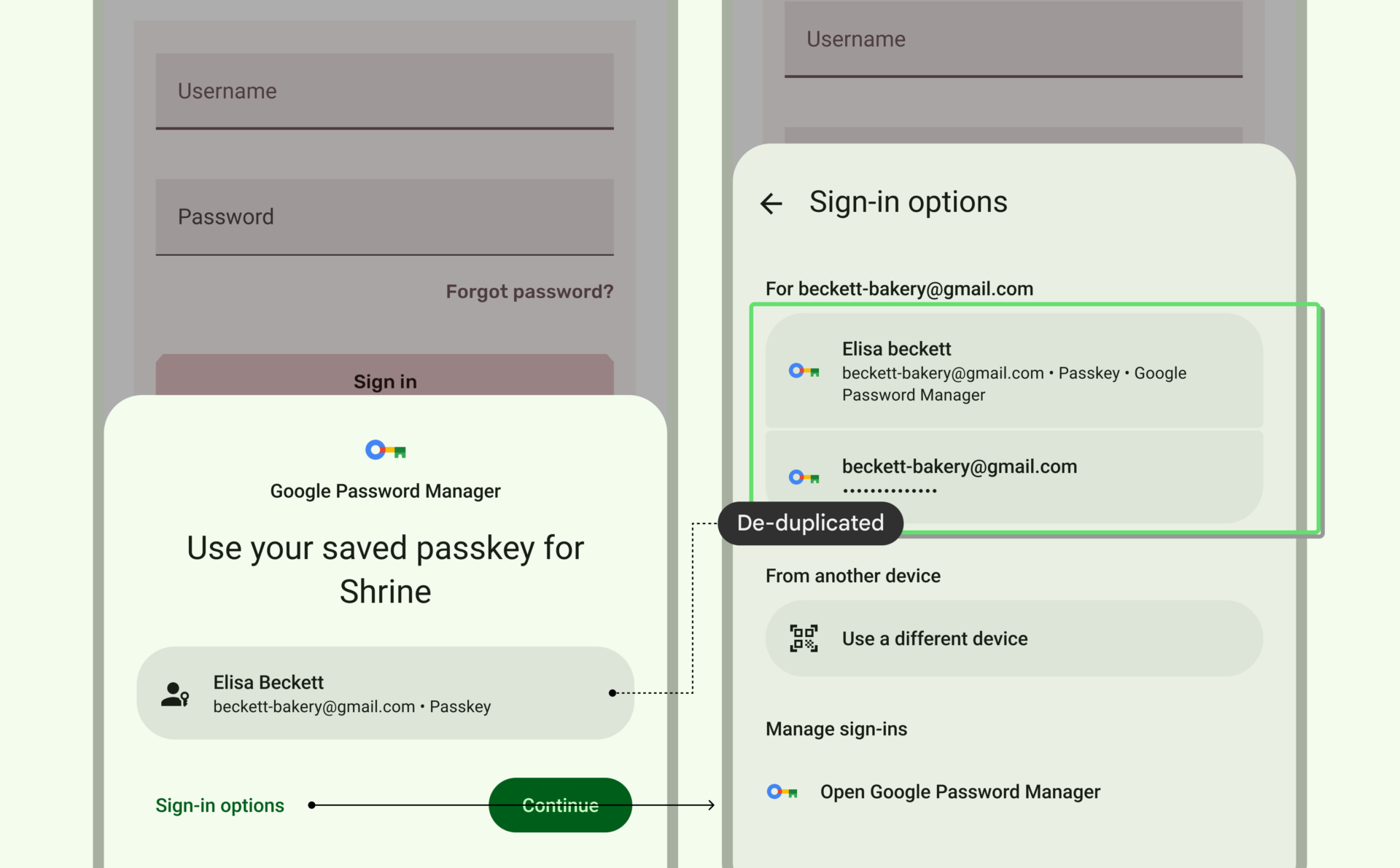
Android 14 introduces the Credential Manager, a game-changer for user convenience. Say goodbye to the hassle of remembering passwords; Credential Manager securely stores login information, effortlessly filling in the details when your users sign in. This seamless experience not only simplifies access to your app but also reduces the friction of repeated login entries. The Credential Manager offers a versatile single API that accommodates a variety of sign-in methods, encompassing usernames and passwords, passkeys, and federated sign-in solutions like “Sign-in with Google.” [More on credential manager.]
Health and Fitness Insights with Health Connect
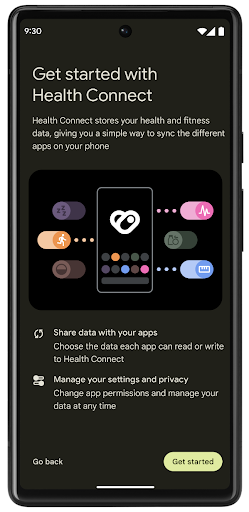
Android 14 pioneers Health Connect, a secure bridge between users and innovative health and fitness apps. Now, app developers can create tools that empower users to monitor and enhance their well-being by sharing health and fitness data. It’s a powerful resource for crafting apps that help users achieve their health and fitness goals. [More on health-connect]
Expressive, Personal Apps
Android 14 puts the spotlight on personalization. The new predictive back feature streamlines navigation, making it easier for users to navigate your app. For a firsthand look at how to seamlessly integrate the predictive back feature into your apps, make sure to check out the following link. [More on predictive back]
Meanwhile, Android 14 builds on the per-app language features introduced in Android 13, offering new capabilities. Now, with Android Studio Giraffe Canary 7 and AGP 8.1.0-alpha07, your app can seamlessly support per-app language preferences without manual intervention. The per-app language feature enables users to set a different language for each app, ensuring a more personalized, user-centric experience. [More on per-app features]
Engaging Large-Screen Experiences
Android 14 extends its capabilities to larger screens with a host of new APIs. App developers can now unleash their creativity, crafting unique experiences for expansive displays. From creating apps that span multiple screens to harnessing the potential of foldable devices, your apps can cater to a wider audience while delivering immersive, tailored experiences.
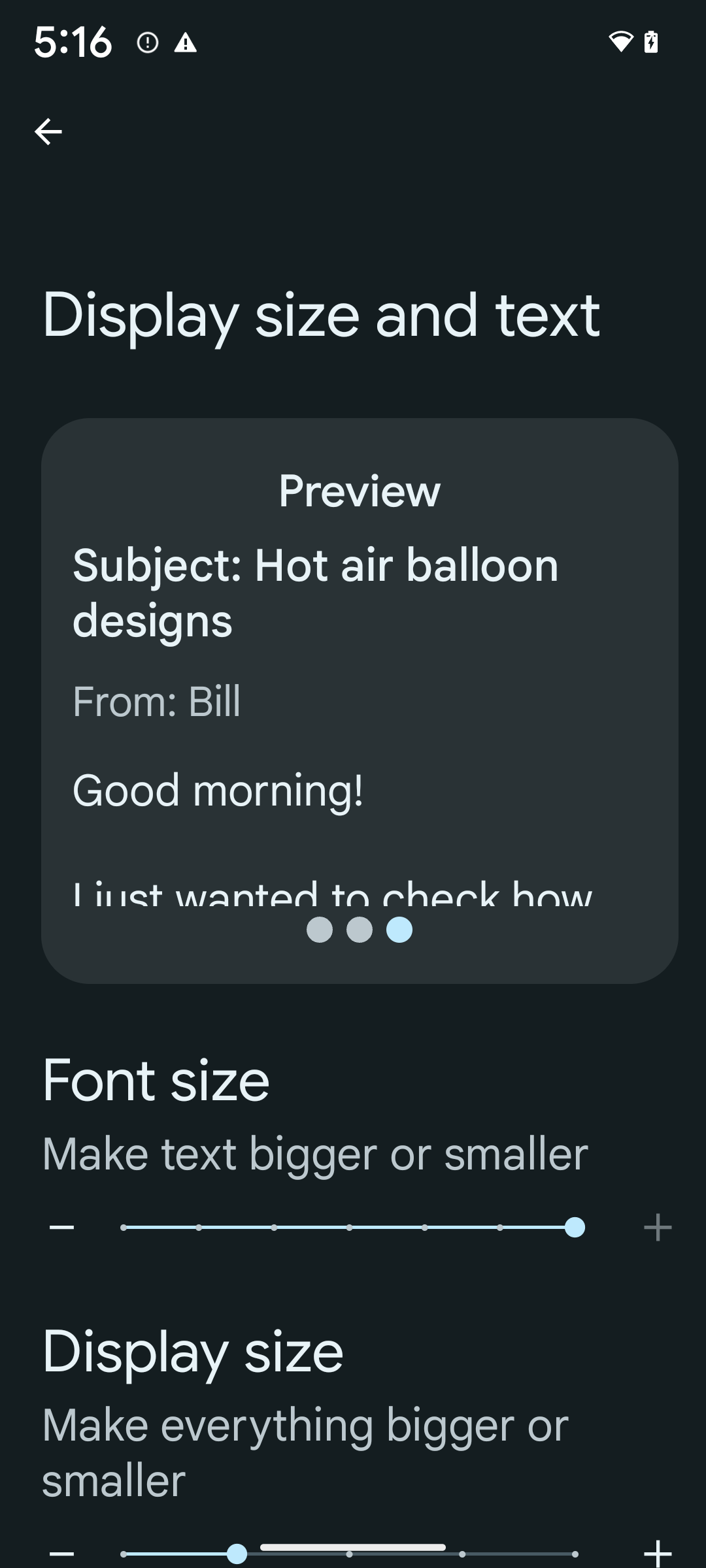
To learn more about the new APIs for large screens and new accessibility features, see the Android documentation: [More on accessibility]
Conclusion
With Android 14, the stage is set for a new era in Android app development. The features and changes we’ve explored here represent a leap forward in user experience and developer flexibility. To truly harness the power of Android 14, we encourage you to explore the extensive Android documentation [Android 14 Documentation ].
It’s a valuable resource that provides in-depth information and guides to help you make the most of this exciting new chapter in the Android app development story. So, dive in, experiment, and create the next generation of Android apps that will leave a mark in this ever-evolving world.
For an in-depth exploration of the intricate changes, deprecated methods, and other nuanced features in Android 14, we recommend checking out another comprehensive blog on Medium. Dive deeper into the technical details and gain a comprehensive understanding of the updates that will shape the future of Android app development. You can access the blog here: [ProAndroidDev]. Happy reading!